How to Find Out How Many Accidents a Used Car Has Been In
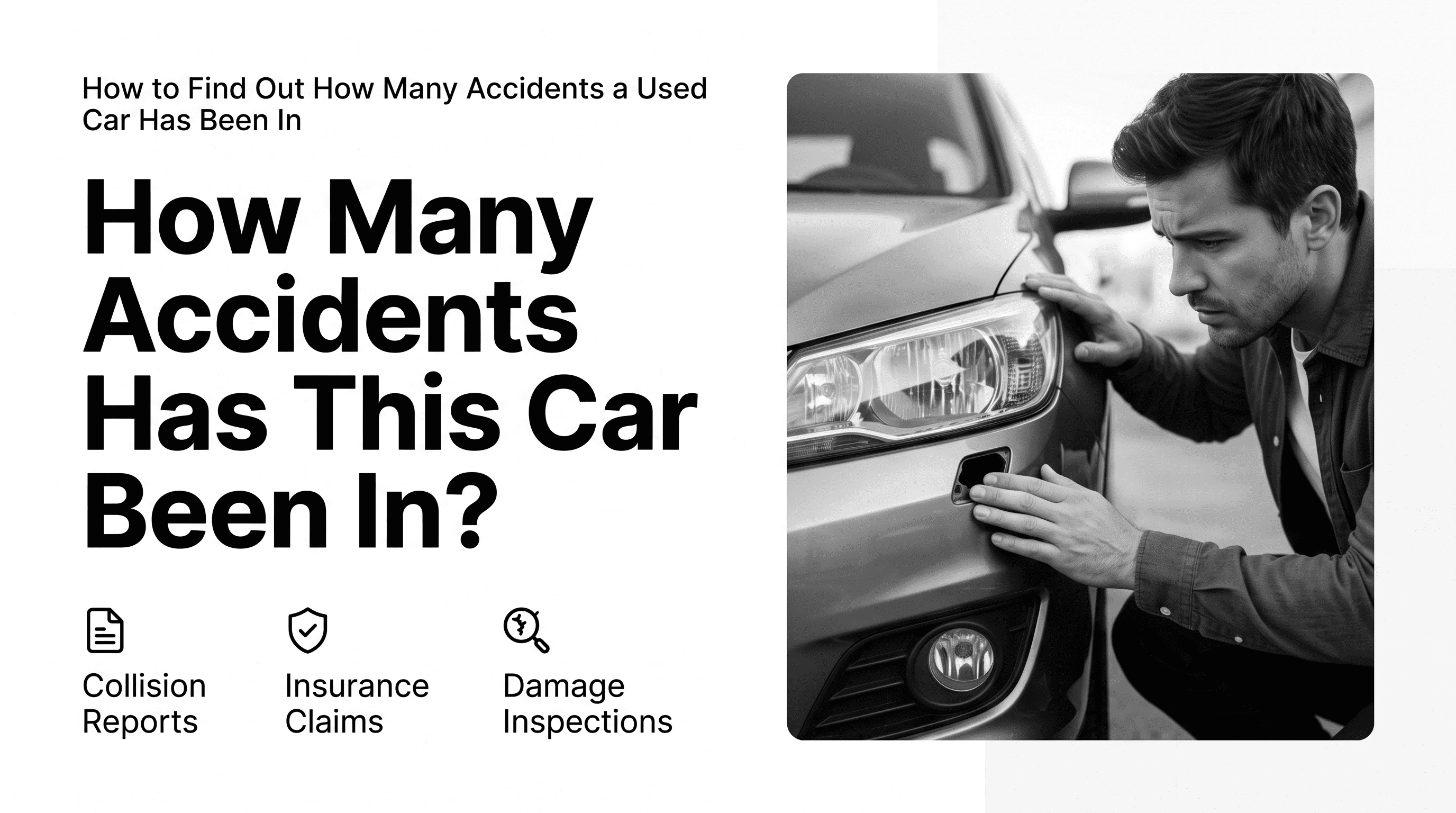
Buying a used car can save money, but it also comes with risks. While a vehicle may look clean on the outside, its history could include previous accidents that aren't immediately visible during a test drive or inspection.
Knowing whether a car has been involved in one or more accidents can help you better understand its condition, estimate future repair costs, and make a more informed buying decision.
In this guide, we'll explain how to find out how many accidents a used car has been in, what accident records typically include, and why checking a vehicle's history should be part of every used car purchase.
Why Accident History Matters
Not every accident permanently affects a vehicle, but previous collisions can influence its value, safety, and long-term reliability.
Even when repairs have been completed professionally, an accident history may indicate that important components such as the frame, suspension, airbags, or steering system were damaged and repaired.
Reviewing accident history allows buyers to:
- Better understand a vehicle's past.
- Compare similar vehicles before purchasing.
- Ask informed questions during inspections.
- Verify information provided by the seller.
- Negotiate a fair purchase price when appropriate.
For dealerships, insurance companies, fleet operators, and automotive marketplaces, accident history also helps improve transparency and reduce uncertainty.
Can You Tell if a Car Has Been in an Accident?
Sometimes, but not always.
A careful visual inspection may reveal signs of previous repairs, including:
- Uneven paint color
- Misaligned body panels
- Overspray around trim or windows
- New parts mixed with older components
- Uneven tire wear
- Gaps between doors, hood, or trunk
However, many repaired vehicles show few visible signs of previous damage. Cosmetic repairs alone cannot confirm whether a vehicle has been involved in an accident.
The most reliable approach is to review the vehicle's documented history.
Use the Vehicle Identification Number (VIN)
Every modern vehicle has a unique 17-character Vehicle Identification Number (VIN).
The VIN acts as the vehicle's permanent identifier and is commonly found:
- On the dashboard near the windshield
- Inside the driver's side door frame
- On registration documents
- On the vehicle title
- On insurance paperwork
Once you have the VIN, you can search historical records associated with that specific vehicle.
Check a Vehicle History Report
One of the easiest ways to learn about previous accidents is by reviewing a vehicle history report.
A vehicle history report may include information such as:
- Reported accidents
- Collision records
- Police reports
- Insurance-related events
- Damage reports
- Title history
- Odometer records
- Ownership history
Depending on the available data sources, these records help build a timeline of important events throughout the vehicle's lifetime.
For example, an accident timeline may include details such as:
- Date of the incident
- State or location
- Source of the record
- Type of collision
- Reported damage severity
- Whether airbags deployed
- Whether the vehicle was towed
- Related report or case numbers
Reviewing these records provides much more context than simply knowing that an accident occurred.
Understand Accident Severity
Not all accidents are the same.
Vehicle history records often provide additional details that help explain the extent of the reported incident.
Examples may include:
- Minor damage
- Moderate damage
- Severe damage
- Rear-end collision
- Front-impact collision
- Side-impact collision
- Multi-vehicle accident
- Airbag deployment
- Vehicle towed after the accident
Understanding these details helps buyers evaluate how significant a reported accident may have been.
Compare the Timeline
Looking at a complete vehicle timeline often provides valuable context.
For example, you may notice:
- Multiple accidents occurring over several years.
- Damage followed by title-related events.
- Collision records followed by repair-related activity.
- Long periods with no reported incidents.
Rather than focusing on a single event, reviewing the entire timeline helps build a more complete picture of the vehicle's history.
Ask the Seller Questions
If accident records appear in the vehicle history, consider asking the seller:
- When did the accident occur?
- What parts were repaired?
- Was the damage professionally repaired?
- Are repair invoices available?
- Were airbags replaced?
- Has the vehicle been inspected since repairs?
Honest sellers are often able to provide additional information or documentation.
Get a Pre-Purchase Inspection
Even if the vehicle history looks clean, a professional inspection is still recommended.
A qualified mechanic can identify:
- Structural damage
- Suspension issues
- Steering problems
- Frame repairs
- Signs of poor-quality repairs
- Mechanical problems unrelated to accidents
A vehicle history report and a professional inspection complement one another and provide greater confidence before making a purchase.
Can a Vehicle Have an Accident That Isn't Reported?
Yes.
Not every accident appears in every data source.
Minor incidents that were repaired privately or never reported to insurance companies or public agencies may not appear in a vehicle history report.
Because of this, buyers should combine vehicle history with a physical inspection and, when appropriate, a professional mechanical evaluation.
How Developers Access Vehicle History
Automotive applications don't manually search vehicle records one by one. Instead, many use a Vehicle History API to retrieve historical records using a VIN.
A Vehicle History API can return structured information such as accident records, title history, ownership events, auction activity, and other historical vehicle data. Developers integrate these APIs into dealership software, vehicle marketplaces, fleet management platforms, insurance applications, and automotive business systems to automate vehicle history lookups.
If you're building automotive software, you can learn more about our Vehicle History API and how it helps retrieve structured vehicle history through a simple REST API.
Frequently Asked Questions
How can I find out if a used car has been in an accident?
The most reliable approach is to obtain the vehicle's VIN and review a vehicle history report. Combining this information with a professional inspection provides the clearest understanding of the vehicle's condition.
Can a clean-looking car still have accident history?
Yes. Many vehicles are professionally repaired after collisions and may show few visible signs of previous damage. Reviewing historical records provides additional insight beyond a visual inspection.
Does every accident appear on a vehicle history report?
No. Some minor incidents may never be reported or recorded. A vehicle history report should be considered alongside a physical inspection and maintenance records.
What information is usually included in accident records?
Depending on the available data, accident records may include the incident date, location, reporting source, collision type, damage severity, airbag deployment, towing information, and related report numbers.
Should I avoid buying a car with an accident history?
Not necessarily. The impact of an accident depends on factors such as the severity of the damage, the quality of repairs, and the vehicle's overall condition. Reviewing the complete history and obtaining a professional inspection can help you make a more informed decision.
Conclusion
Accident history is one of the most important factors to consider when purchasing a used vehicle.
By reviewing a vehicle's historical records, understanding the reported damage, and combining that information with a professional inspection, buyers can make more informed decisions and reduce the risk of unexpected surprises after purchase.
Whether you're shopping for your next vehicle or building software that helps others evaluate used cars, understanding accident history is an important step toward making better automotive decisions.