License Plate Lookup vs VIN Lookup: What's the Difference?
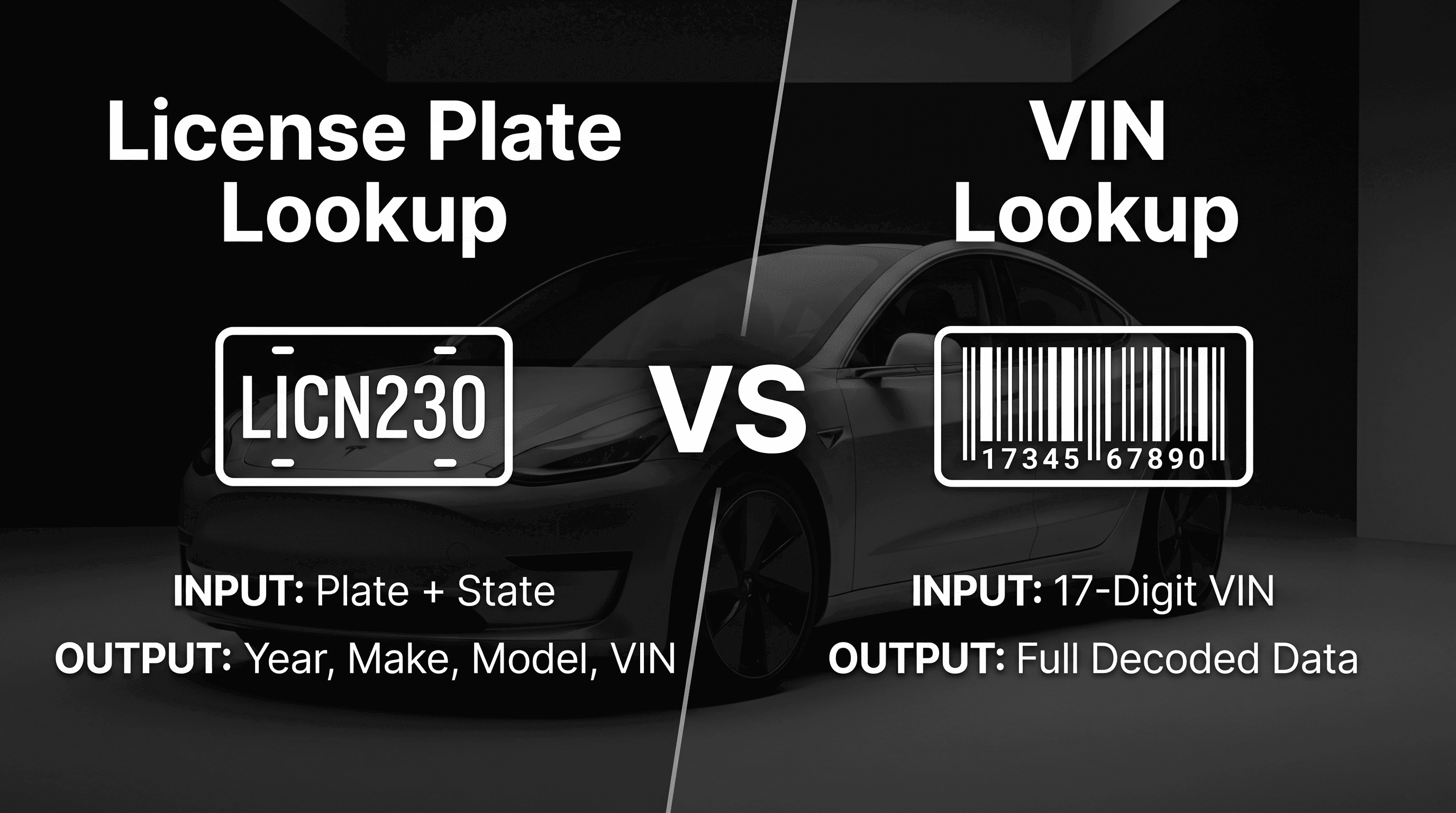
When building automotive applications, developers often need to identify a vehicle before retrieving additional information. Two of the most common methods are License Plate Lookup and VIN Lookup.
Although both can help identify a vehicle, they serve different purposes and require different inputs. Understanding when to use each method can help you choose the right API for your application.
In this guide, we'll explain the differences between License Plate Lookup and VIN Lookup, how each works, and when to use one over the other.
What Is a License Plate Lookup?
A License Plate Lookup uses a vehicle's registration plate as the starting point to identify a vehicle.
Instead of requiring a Vehicle Identification Number (VIN), users simply provide the license plate number. The lookup process then retrieves the associated vehicle information based on available registration records and supported data sources.
This approach is useful when the VIN is not readily available but the license plate is known.
Common scenarios include:
- Parking management systems
- Vehicle marketplaces
- Fleet operations
- Traffic and compliance applications
- Automotive business software
Depending on the available data, a License Plate Lookup may return the VIN, along with basic vehicle details that can be used for additional lookups.
What Is a VIN Lookup?
A VIN Lookup retrieves vehicle information using a Vehicle Identification Number (VIN).
Every modern vehicle has a unique 17-character VIN that permanently identifies that vehicle. By submitting a VIN, applications can retrieve structured vehicle specifications such as:
- Model Year
- Make
- Model
- Trim
- Body Style
- Engine
- Fuel Type
- Drivetrain
- Manufacturer
- Assembly Plant
VIN Lookup is commonly used after a VIN has already been collected from a vehicle, dealership inventory, registration documents, or another trusted source.
License Plate Lookup vs VIN Lookup
Although both APIs identify vehicles, the biggest difference is the information you already have.
License Plate Lookup
- Uses a license plate as input
- Best when only the plate number is available
- Can help identify the VIN
- Often serves as the first step in vehicle identification
VIN Lookup
- Uses a 17-character VIN as input
- Best when the VIN is already known
- Returns detailed vehicle specifications
- Often serves as the second step for retrieving vehicle data
Rather than replacing one another, these two APIs often work together.
When Should You Use a License Plate Lookup?
A License Plate Lookup is the better choice when the VIN is unavailable.
Examples include:
- A customer enters only a license plate.
- A parking application captures a plate number.
- A dealership wants to identify an incoming vehicle.
- A fleet operator records plate numbers instead of VINs.
Once the VIN has been identified, additional vehicle information can be retrieved through a VIN Lookup.
When Should You Use a VIN Lookup?
A VIN Lookup is the right choice when you already have a VIN and want to retrieve vehicle specifications.
Typical use cases include:
- Auto dealerships
- Vehicle inventory management
- Insurance platforms
- Fleet management software
- Automotive marketplaces
- Vehicle inspection systems
Because the VIN uniquely identifies the vehicle, it provides a reliable way to retrieve standardized vehicle information.
Using Both APIs Together
Many automotive platforms combine both APIs to create a seamless workflow.
For example:
- A user enters a license plate.
- A License Plate Lookup retrieves the associated VIN.
- The VIN is validated to ensure it is properly formatted.
- A VIN Lookup retrieves the vehicle specifications.
- Additional APIs retrieve vehicle history, recalls, maintenance information, or auction records.
This workflow minimizes manual data entry while providing richer vehicle information for users.
Which API Should You Choose?
The right API depends on the information available.
Choose a License Plate Lookup API if:
- You only have a license plate number.
- You need to identify the associated vehicle.
- Your application starts with registration information.
Choose a VIN Lookup API if:
- You already have the VIN.
- You need detailed vehicle specifications.
- You want structured vehicle information for downstream applications.
Many organizations integrate both APIs so they can support users regardless of whether they provide a plate number or a VIN.
Frequently Asked Questions
Is License Plate Lookup the same as VIN Lookup?
No. A License Plate Lookup begins with a vehicle's registration plate, while a VIN Lookup begins with the vehicle's 17-character Vehicle Identification Number.
Can I get a VIN from a license plate?
Depending on the available data source and supported jurisdictions, a License Plate Lookup may return the associated VIN, allowing additional vehicle information to be retrieved.
Which API returns more vehicle details?
A VIN Lookup typically returns more detailed vehicle specifications because the VIN uniquely identifies the vehicle and contains encoded manufacturing information.
Should I use both APIs together?
Yes. Many automotive applications use a License Plate Lookup to identify the VIN and then perform a VIN Lookup to retrieve structured vehicle specifications. This approach creates a more complete vehicle identification workflow.
Conclusion
License Plate Lookup and VIN Lookup are complementary technologies rather than competing solutions.
A License Plate Lookup is ideal when the only available identifier is a registration plate, while a VIN Lookup is the preferred option when a VIN is already known and detailed vehicle specifications are required.
By combining both APIs, developers can build flexible automotive applications that support multiple user journeys while reducing manual data entry and improving vehicle identification accuracy.